Docs
Getting started
Install Pi Sat Track and open the station UI in a browser.
Pi Sat Track runs on the computer at the station. The screen you operate is a page in a web browser, on that computer or on another machine on the same network.
Install
Pick the file on the Downloads page.
- Windows. Run the one-click
.exesetup. - macOS 12 or newer (Apple Silicon and Intel). Run the same
.runfile used on Linux and Raspberry Pi OS. - Linux and Raspberry Pi OS. Run the
.runfile. It runsinstall-pi.shand installs a systemd user service namedsat-tracker.
The buttons on that page are placeholders. They do not download a file yet.
On Linux and Raspberry Pi OS you can check the user service with:
systemctl --user status sat-trackerMark the .run file executable before you start it, then run it.
Open the UI
Open a browser on the machine that runs Pi Sat Track, or a browser on another computer on the LAN.
The app shows the local address when it starts. A fixed public URL is not part of this guide yet.
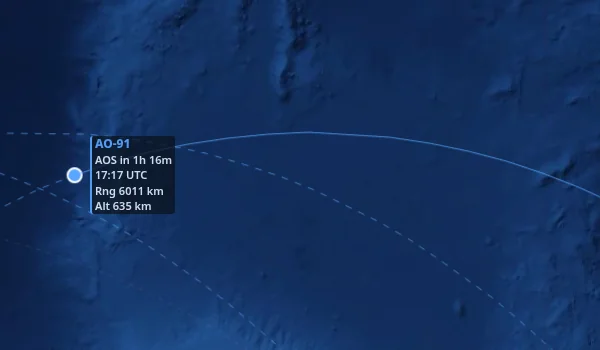
A pass on the map